
Blocking of PUAs is added to Windows Defender
Microsoft made a small but significant change to Windows 10 recently as it relates to PUAs (Potentially Unwanted Apps). It wasn't something that got a lot of press but it's a change well worth knowing about.
Beginning with the May 2020 update for Windows 10, 2004, the Redmond Giant added a PUA blocking feature to Microsoft Defender. This new feature employs Machine Learning to determine if an app is Potentially Unwanted by a user and block that app if such a determination is made.
When the feature was first introduced it was turned off by default. That changed with the August update. The feature is now enabled by default. The system isn't perfect, and some users may not want Windows doing their thinking for them.
Instructions to disable PUA's
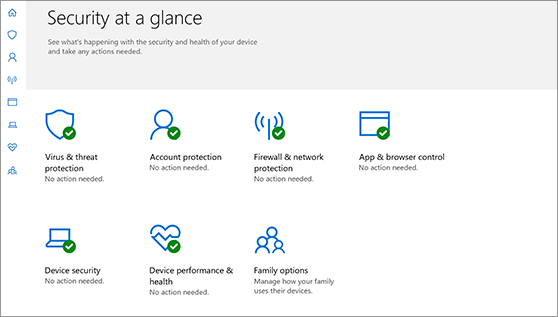
If you fall into that category, you can disable PUA blocking thusly:
- Open your Windows Security setting screen
- Select Reputation-Based Protection Settings
Once you're on that page you will see the option to turn off the PUA Blocking feature. Note that on this screen there are two check boxes: Block Apps and Block Downloads.
If the App Blocking box is unchecked, it will disable Microsoft Defender's ability to block PUAs. However, it will leave the functionality enabled so that Microsoft Edge can use it to block unwanted downloads automatically. Turning it off entirely will disable both functionalities.
If you decide to leave the feature enabled, you may note that it occasionally blocks legitimate apps. If that happens you can create exclusions in Microsoft Defender to keep it from identifying an app you actually want to use as unwanted.
My perspective
This is a good change overall, but some people will find it bothersome. The good news is that Microsoft has made it easy to switch the feature back off if it's not something you find value in.
You can just hear Captain Picard say: "Make it so"
By Denis Wilson

Thanks for reading this short post. For more tips on thriving with small business technology, check out the other blog posts at DWPIA Blogs. You can also find me on LinkedIn, Facebook, and Twitter.
I am also a published author and speaker on cloud computing, work@home, and cybersecurity. I work extensively with business and professional associations to provide free small business technology education programs.
Contact me if you would like me to speak for free to your association

